
Pattern scraping made sweet
SugarStitch Documentation
SugarStitch is a TypeScript scraper for fiber arts pattern pages, with both a command-line workflow and a local browser UI. These docs cover how to install it, run it, and pick the right flow for single pages, batch jobs, and discovery crawls.
Install your way
Grab it globally from npm for the quickest path, or clone the repo if you want the UI and source side by side while you iterate.
Scrape one page or many
Feed SugarStitch a single pattern URL, a text file full of URLs, or a listing page that needs discovery crawl mode first.
Tune extraction gently
Saved profiles and advanced selector overrides help when a site is close to working but needs one or two custom selectors to land cleanly.
What it looks like
Homepage
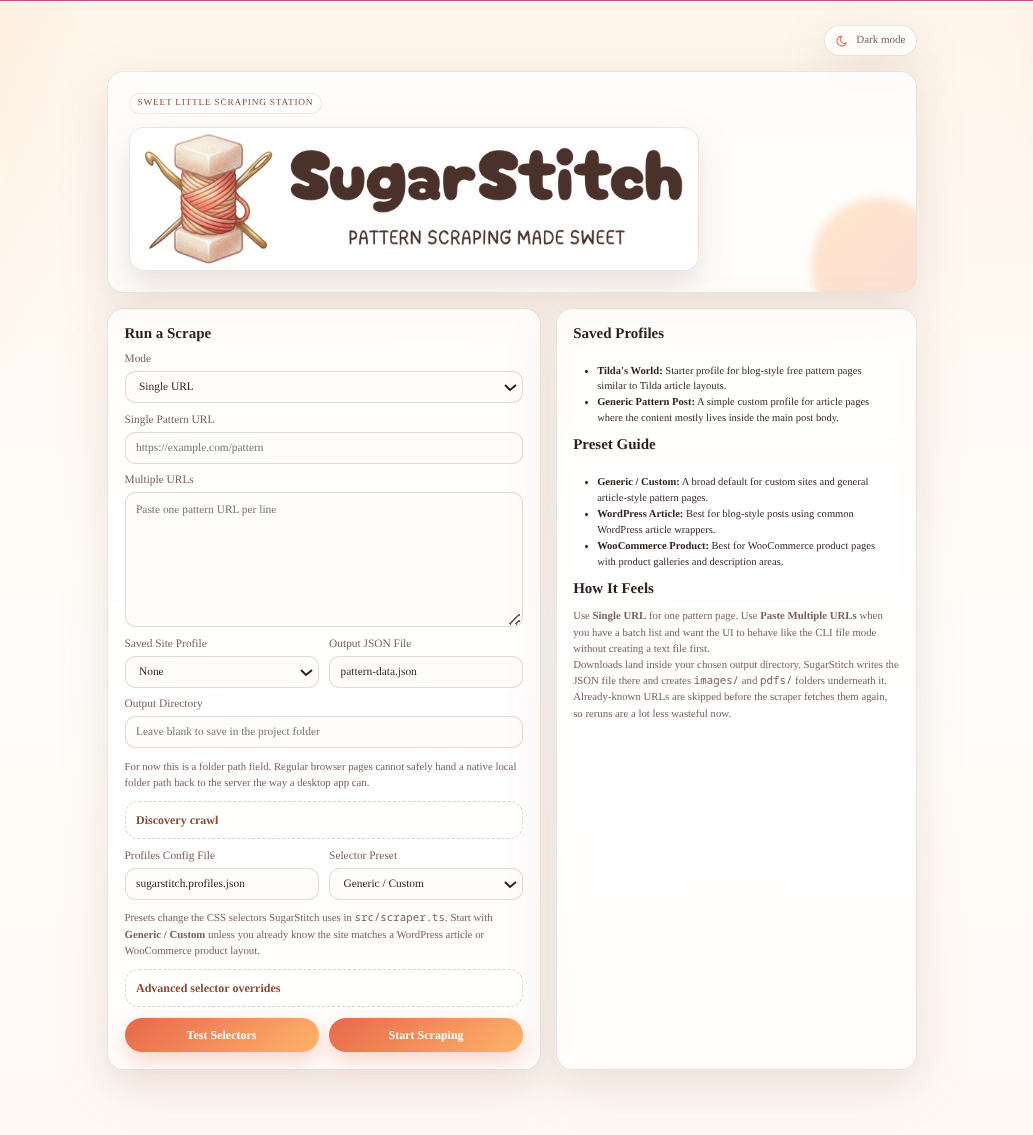
The local UI starts with a form-first workflow for URLs, presets, output options, and discovery crawl settings.
CLI
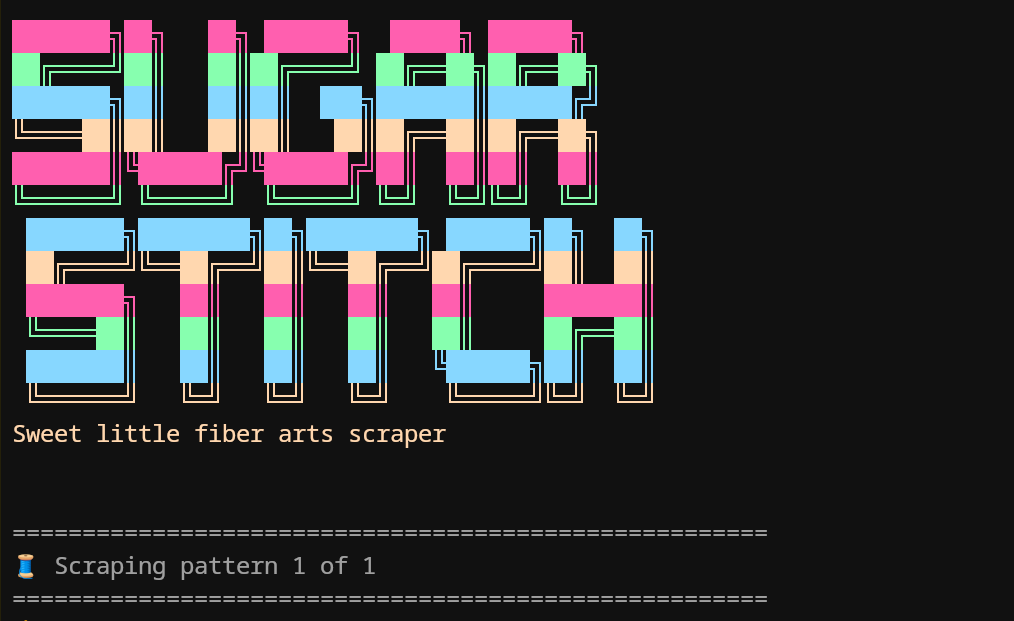
The terminal flow is perfect for quick runs, automation, or batch scraping from a saved URL list.
Start with installation
The install guide walks through both the global npm path and the clone-and-run development path, including the commands you actually need.
Open installation guideMove straight into usage
The usage guide covers single-page scrapes, batch files, preview mode, crawl settings, and how the browser UI maps onto the CLI flags.
Open usage guide