Terminal-first runs
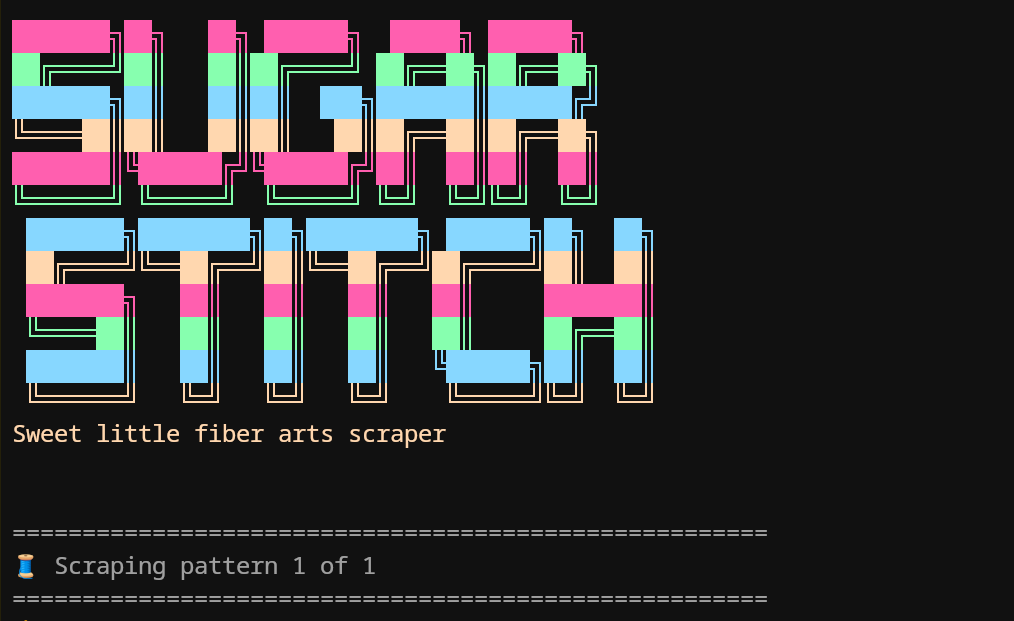
The CLI is great for quick checks, automation, and repeatable batch runs where you already know the source URLs.
 SugarStitch Docs
 SugarStitch can scrape a single pattern page, a list of saved URLs, or a discovery page that branches into many pattern links. The CLI and the local UI map to the same core scraper.
If you want the shortest path from install to results, start with one pattern page and a preset that matches the site structure.
npm run scrape -- --url "https://example.com/pattern" --preset wordpressnpm run scrape -- --url "https://example.com/pattern" --preset genericnpm run scrape -- --file urls.txtnpm run scrape -- --url "https://example.com/pattern" --profile tildas-world --previewnpm run scrape -- --url "https://example.com/pattern" --output-dir ./exports --output patterns.jsonThe CLI is great for quick checks, automation, and repeatable batch runs where you already know the source URLs.
The local UI is ideal when you want to test presets, compare overrides, or paste batches into a form instead of remembering flags.
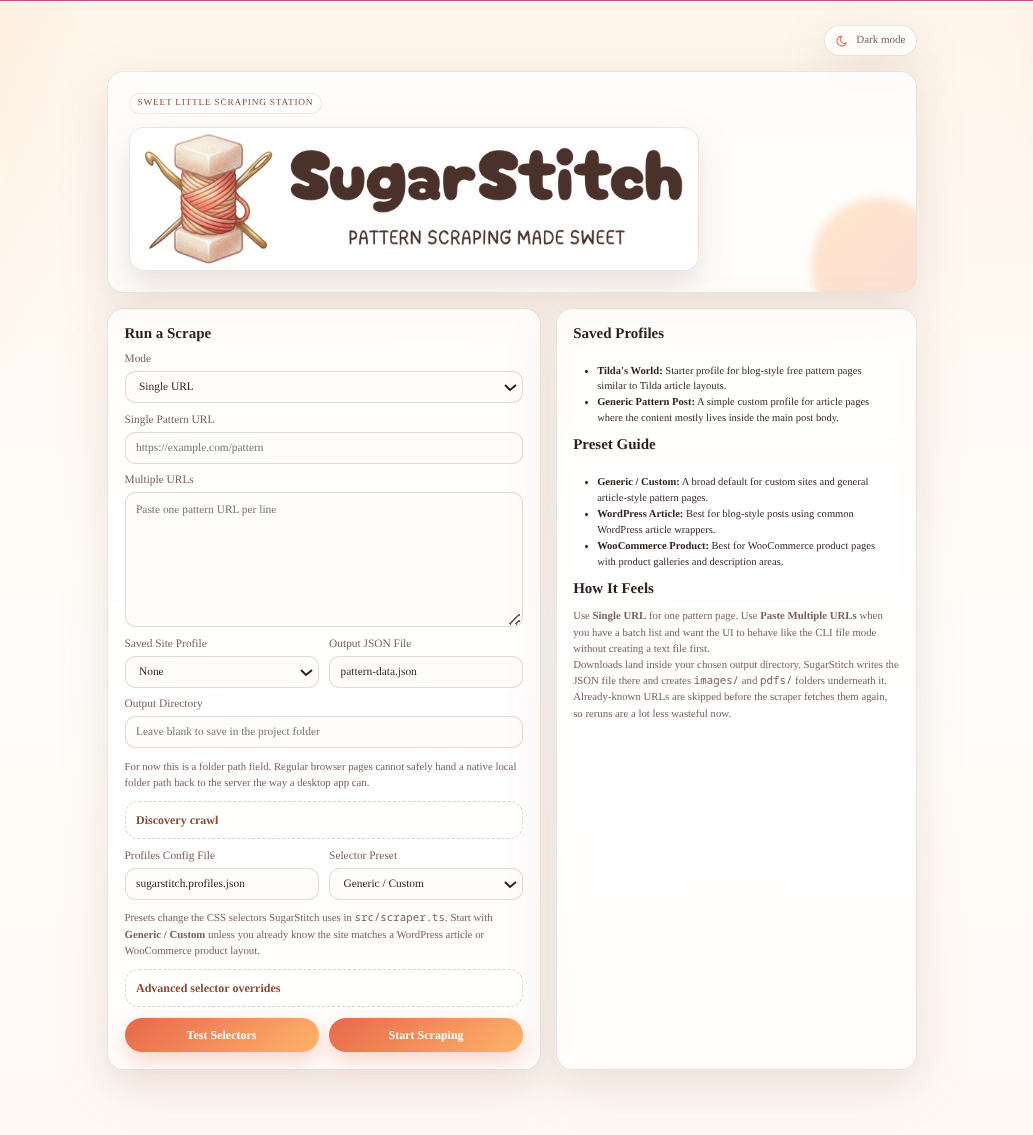
Single URL mode, multi-URL paste mode, presets, and profile loading all live on the main screen.
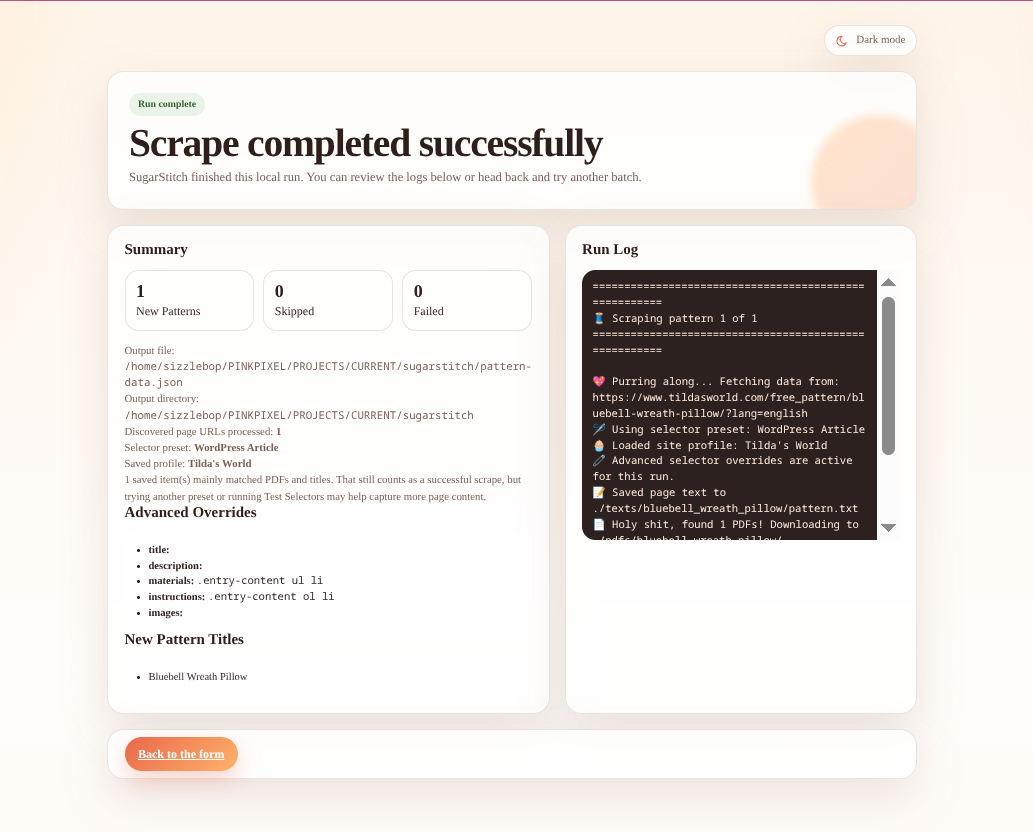
After the scrape completes, the UI shows counts, logs, output paths, and the pattern titles that were captured.
Use discovery crawl mode when you have a listing page, archive page, or “free patterns” hub instead of a direct pattern URL.
npm run scrape -- \
  --url "https://www.tildasworld.com/free-patterns/" \
  --preset wordpress \
  --crawl \
  --crawl-depth 2 \
  --crawl-pattern "free_pattern|pattern|quilt|pillow" \
  --crawl-language english \
  --crawl-paginate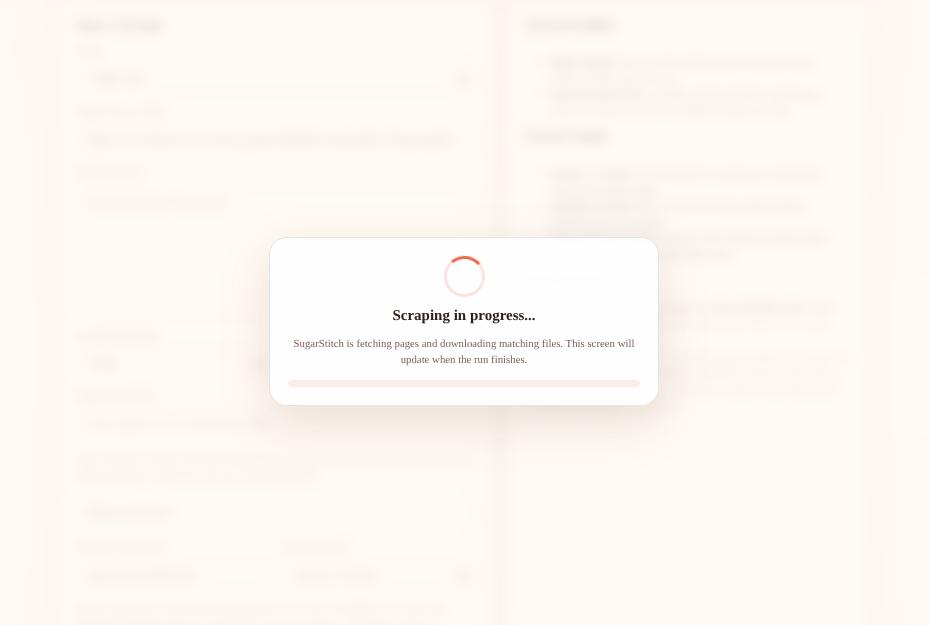
The UI keeps the run focused with a progress state while it fetches candidate pages and downloads files.
A successful run writes one JSON entry per scraped page and may also save page text, images, and PDFs into local folders.
{
  "title": "Pattern Title",
  "description": "Short description from the page",
  "materials": ["Cotton fabric", "Stuffing", "Thread"],
  "instructions": ["Cut the pieces", "Sew the body", "Stuff and close"],
  "sourceUrl": "https://example.com/pattern",
  "localImages": ["images/pattern_title/image_1.jpg"],
  "localPdfs": ["pdfs/pattern_title/pattern.pdf"],
  "localTextFile": "texts/pattern_title/pattern.txt"
}