What the terminal flow looks like
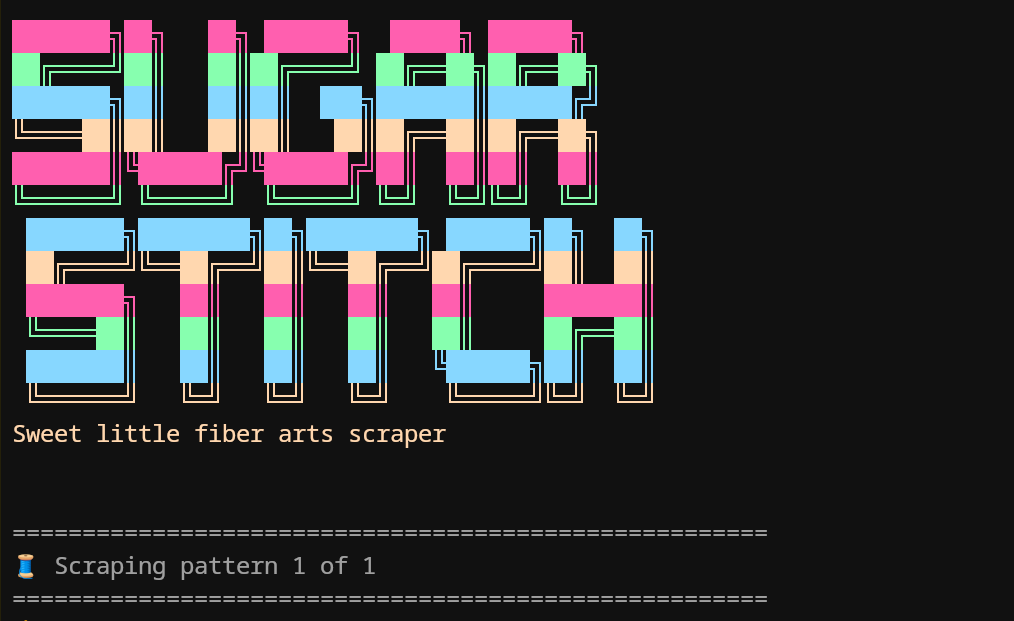
The CLI prints the SugarStitch banner and progress messages while it fetches pages, downloads assets, and writes local files.
 SugarStitch Docs
 Pick the quick global npm route if you mainly want the CLI, or clone the repository if you want the local UI and source code together.
SugarStitch runs on Node.js and uses npm scripts for the local development flow.
This is the fastest path when you just want to run the scraper from your terminal.
npm install -g @pinkpixel/sugarstitchsugarstitch --url "https://example.com/pattern"sugarstitch --url "https://example.com/pattern" --preset wordpressThis path is best if you want the browser UI, local scripts, and source files in one place.
git clone https://github.com/pinkpixel-dev/sugarstitch.git
cd sugarstitch
npm installnpm run buildnpm run scrape -- --url "https://example.com/pattern"The CLI prints the SugarStitch banner and progress messages while it fetches pages, downloads assets, and writes local files.
If you prefer forms over flags, the local browser UI gives you the same scraping controls in a calmer, more visual workflow.
npm run uihttp://localhost:4177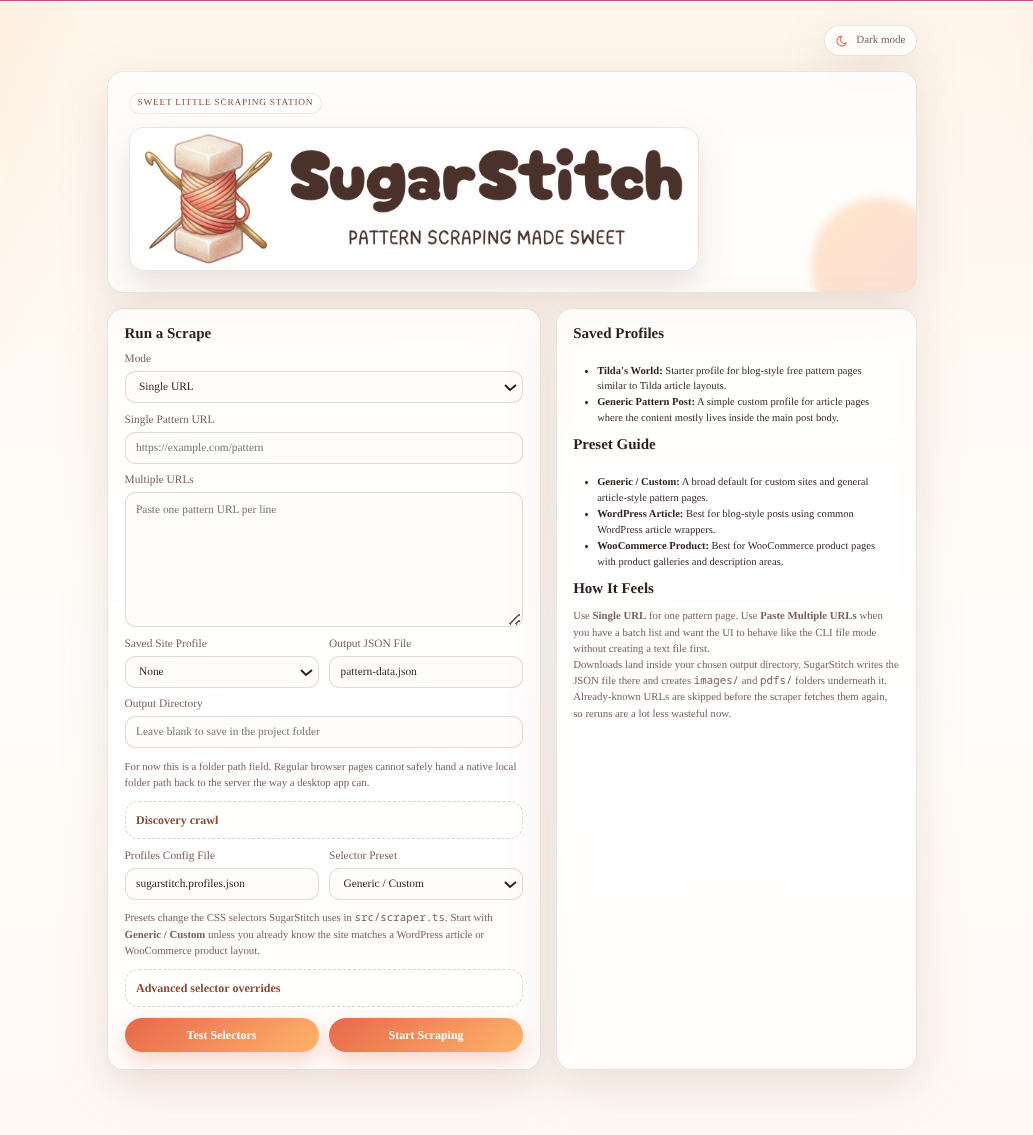
The homepage includes mode selection, output controls, presets, saved profiles, and advanced selector overrides.
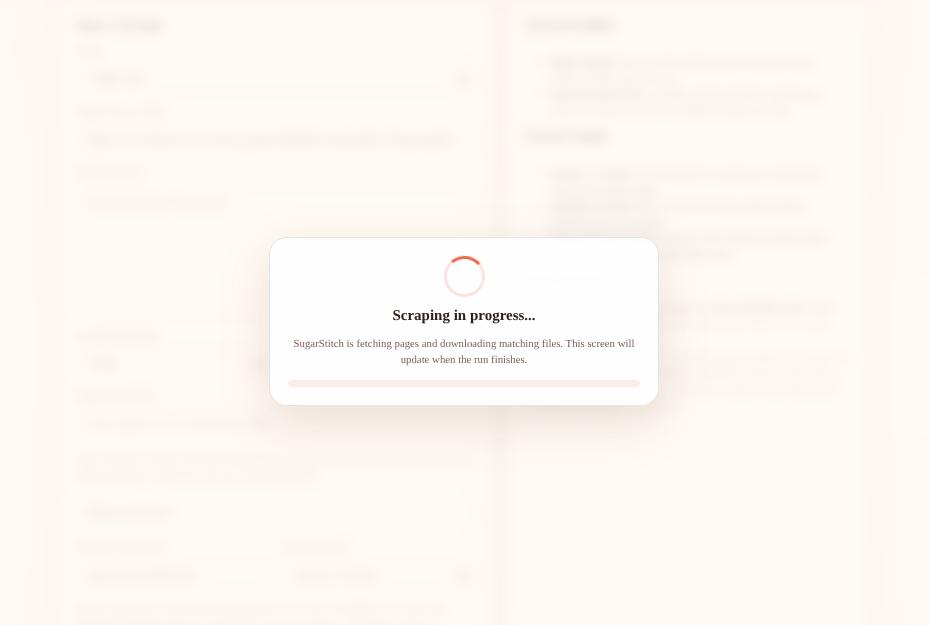
While a preview or scrape is running, the UI swaps into a progress overlay so you know the run is active.